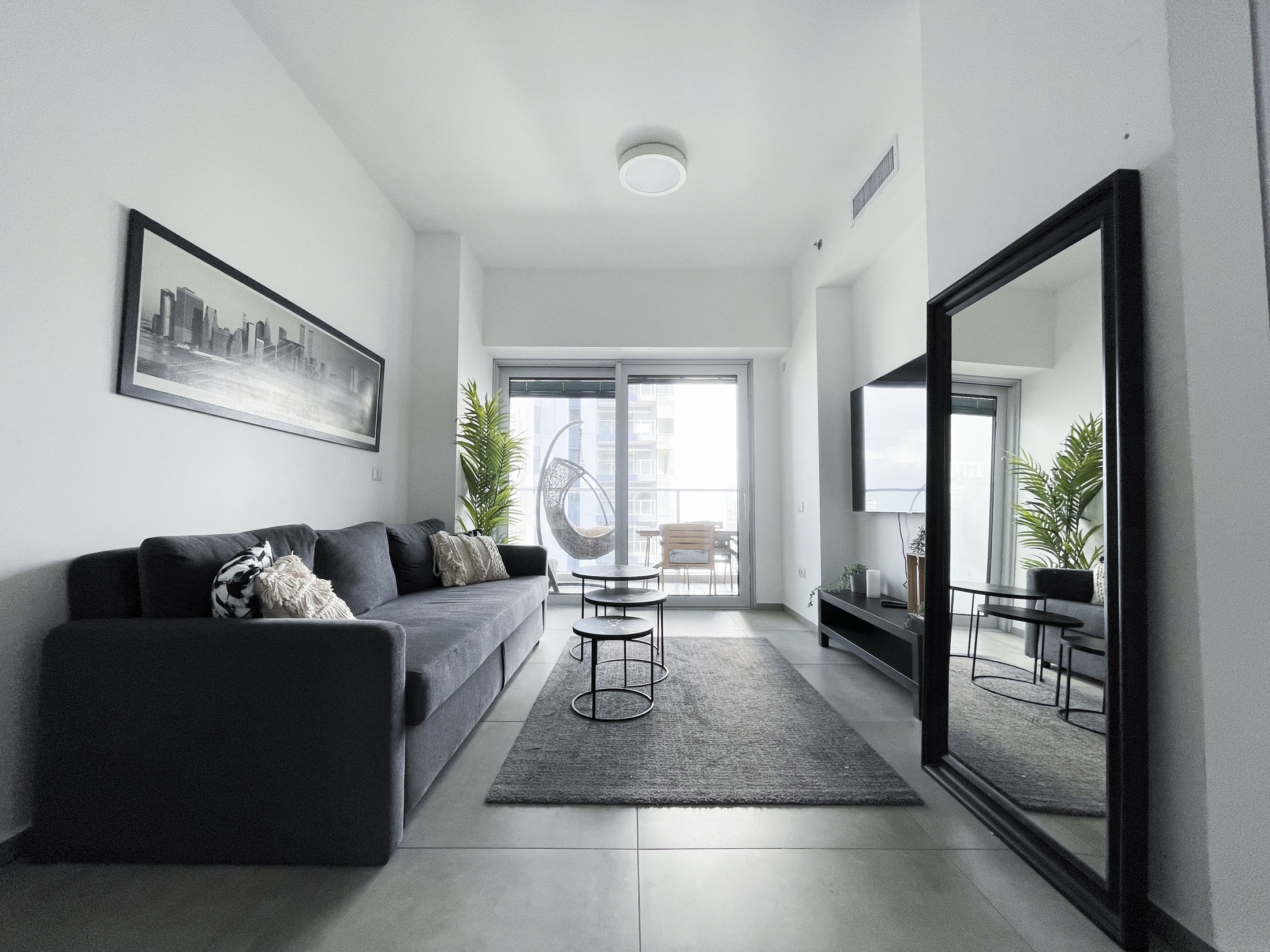
Welcome to MIDTOWN
Your Tel Aviv residence. Everything you need for a seamless arrival.
- Check-in
- from 14:00
- Check-out
- by 11:00
- Apartment
- 231
- Floor
- 31
Where everything is
A side view of the residential tower, from the garage up to your door.
- Apartment 231Floor 31
- Elevator
- Gym & poolFloor 3
- Entrance DResidential tower
- Level P1Blue markings
- Parking, space 26Level −2, yellow markings
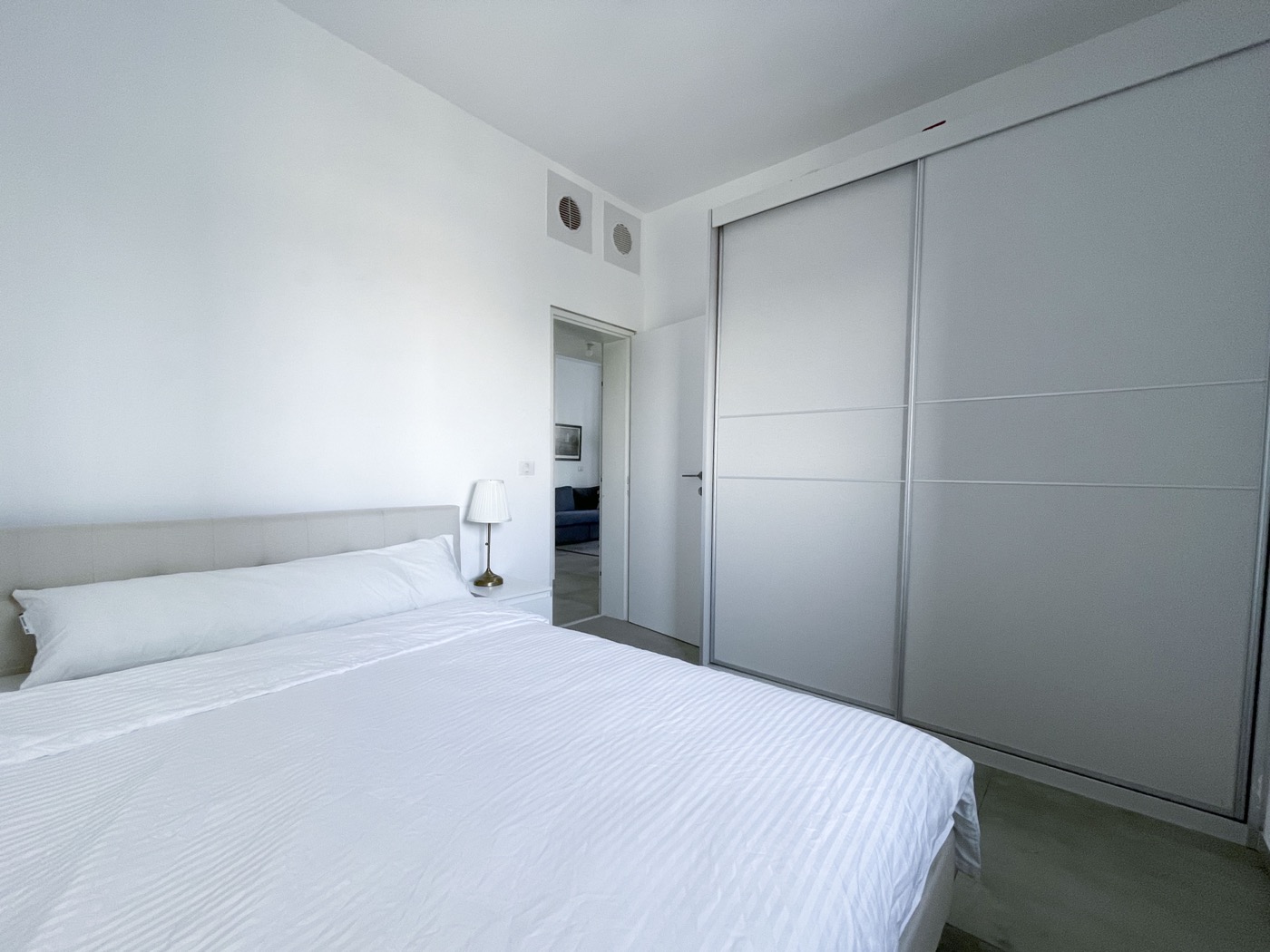
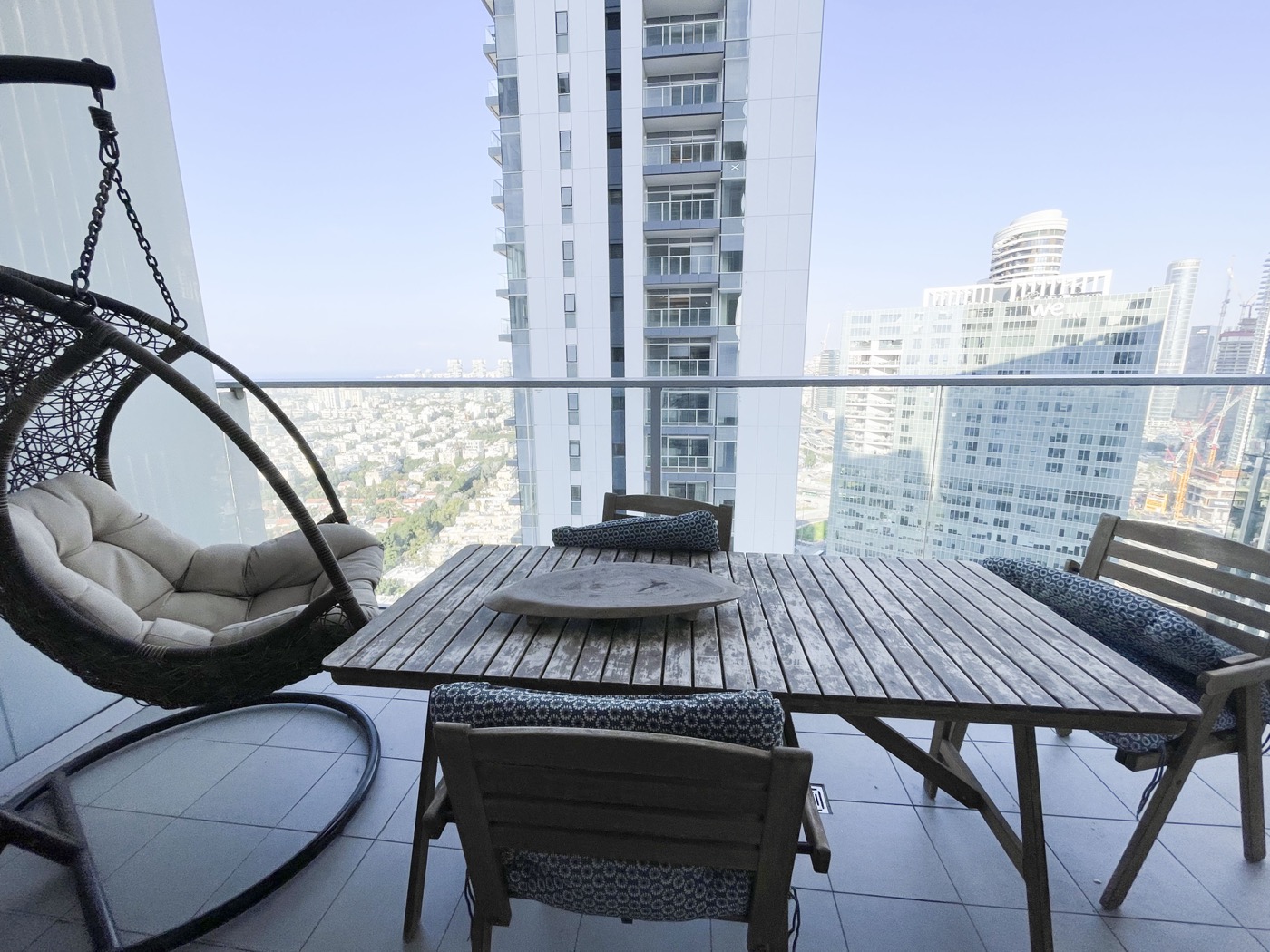
Your apartment
Tap a photo to see it full size. Swipe to browse.
Getting here
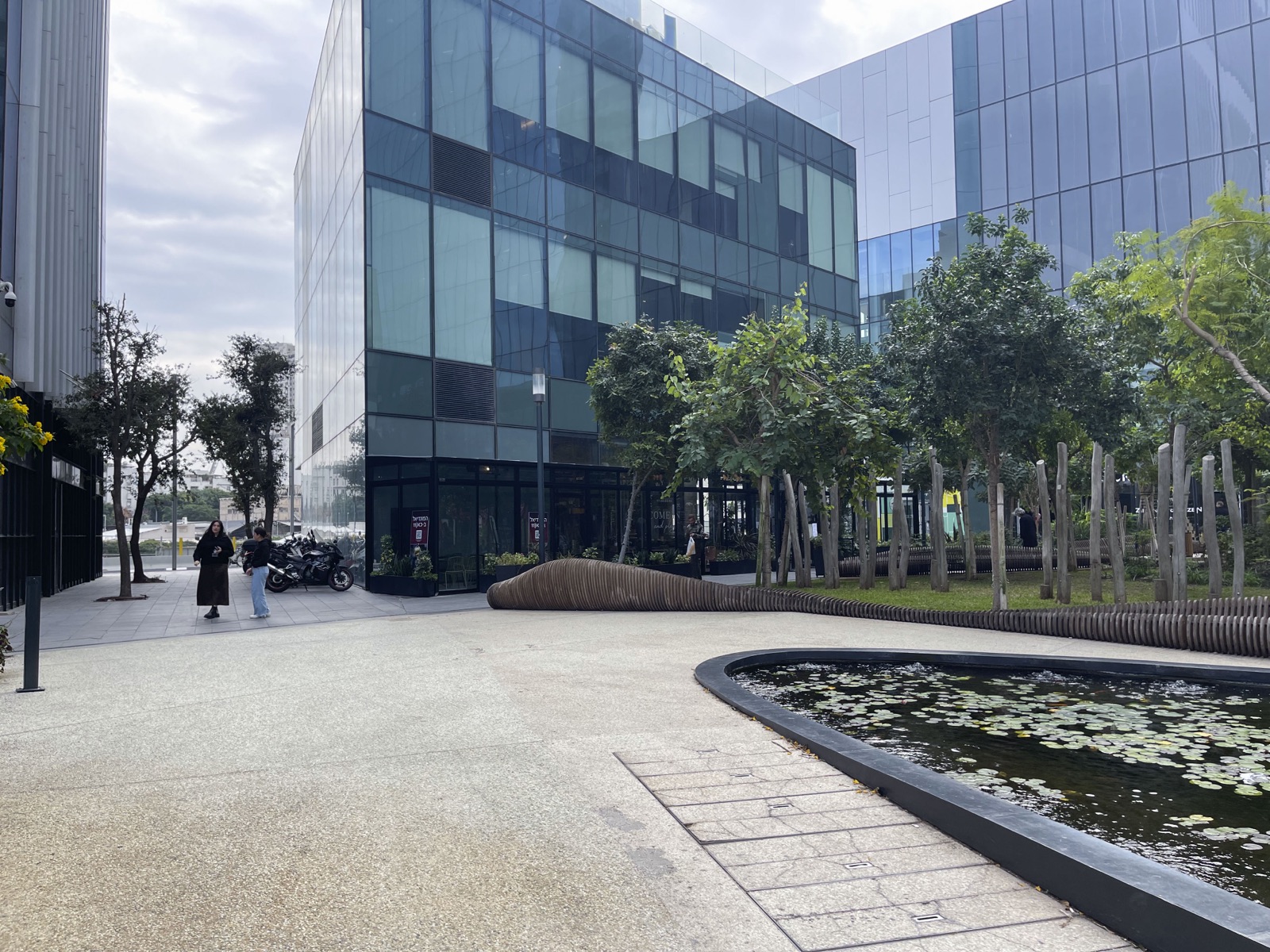
MIDTOWN RESIDENCES
144 Menachem Begin Road, Tel Aviv, Israel
Residential Tower — Entrance D. Floor 31, Apartment 231.
Navigate to 144 Menachem Begin
Look for the MIDTOWN sign. In the photo it's on the right side of the road.
Next: Pick the residential tower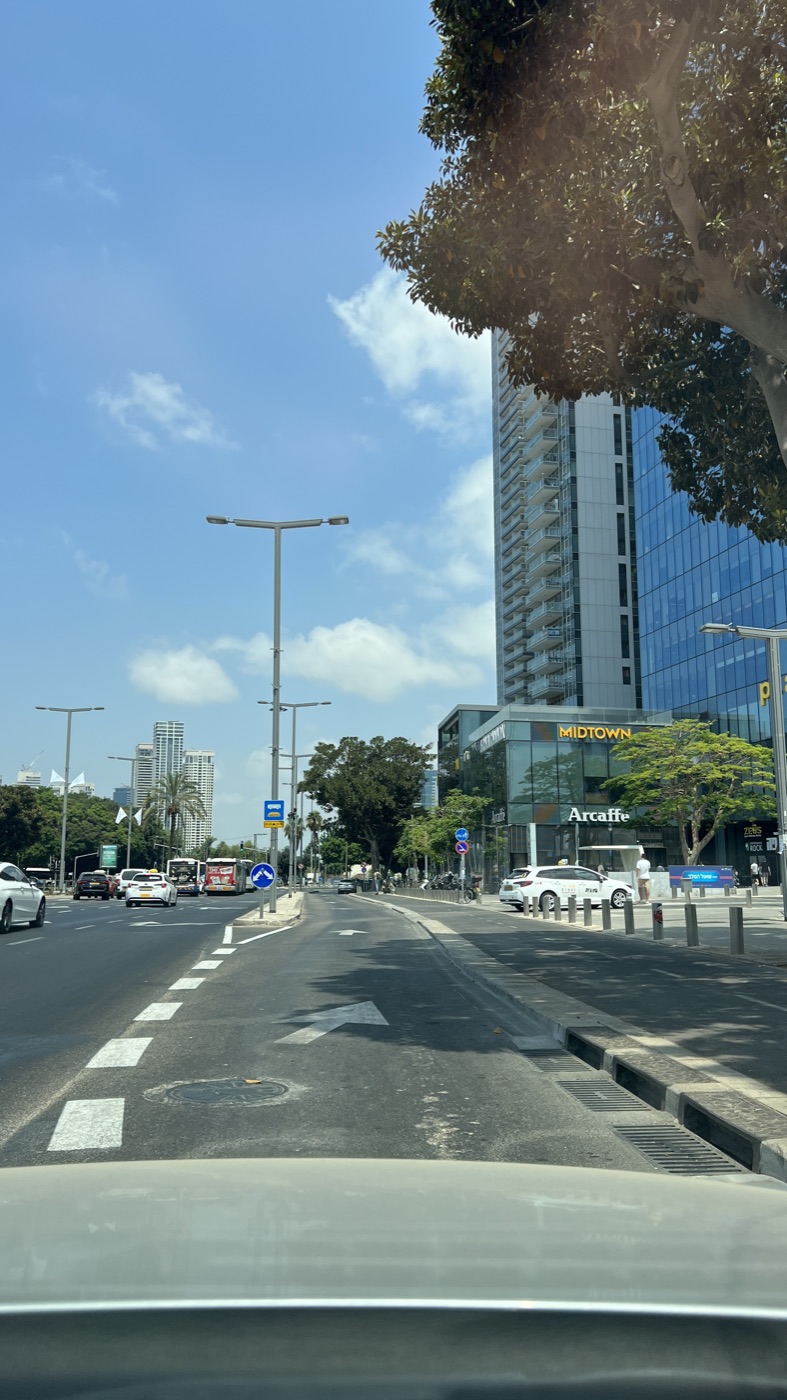
Approaching along Menachem Begin Road - Next: Enter through Entrance D
Important
Pick the residential tower
Two towers share the complex: residential and offices. Yours is the residential one.
- Next: Elevator to floor 31
Enter through Entrance D
This is the residential tower entrance. Use your access card if the gate asks for it.
Elevator to floor 31
Apartment 231 is on floor 31.
Parking, step by step
Eight short steps from the street to your door. Watch the clips, follow the photos.
Watch the whole route
One continuous video from the street to space 26. Skip back or forward, or watch it again.
- Next: Spot the ramp
Step 1 of 8Important
Send your plate number
Message Yarden your license plate before you set off. Wait for the OK: the gates only open for registered cars.
Message to send Hi Yarden, I'm staying at apartment 231. Please register my vehicle for parking. License plate: Arrival date & time: Thank you!
Step 2 of 8
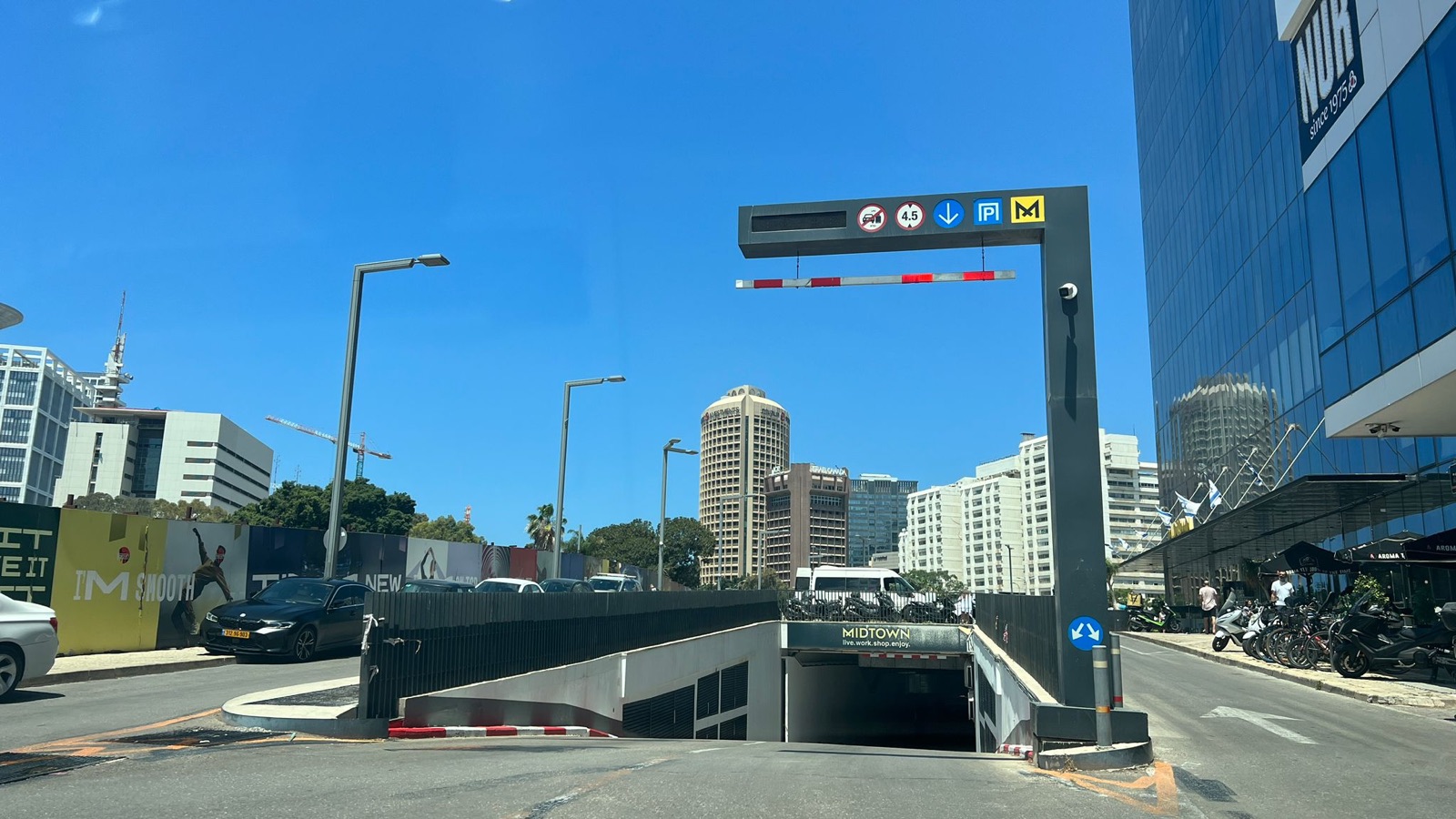
Spot the ramp
Find the MIDTOWN parking ramp at 144 Menachem Begin. A sign hangs above it and a red-and-white barrier arm sits at the top.
Next: Roll up to the barrier. No ticket.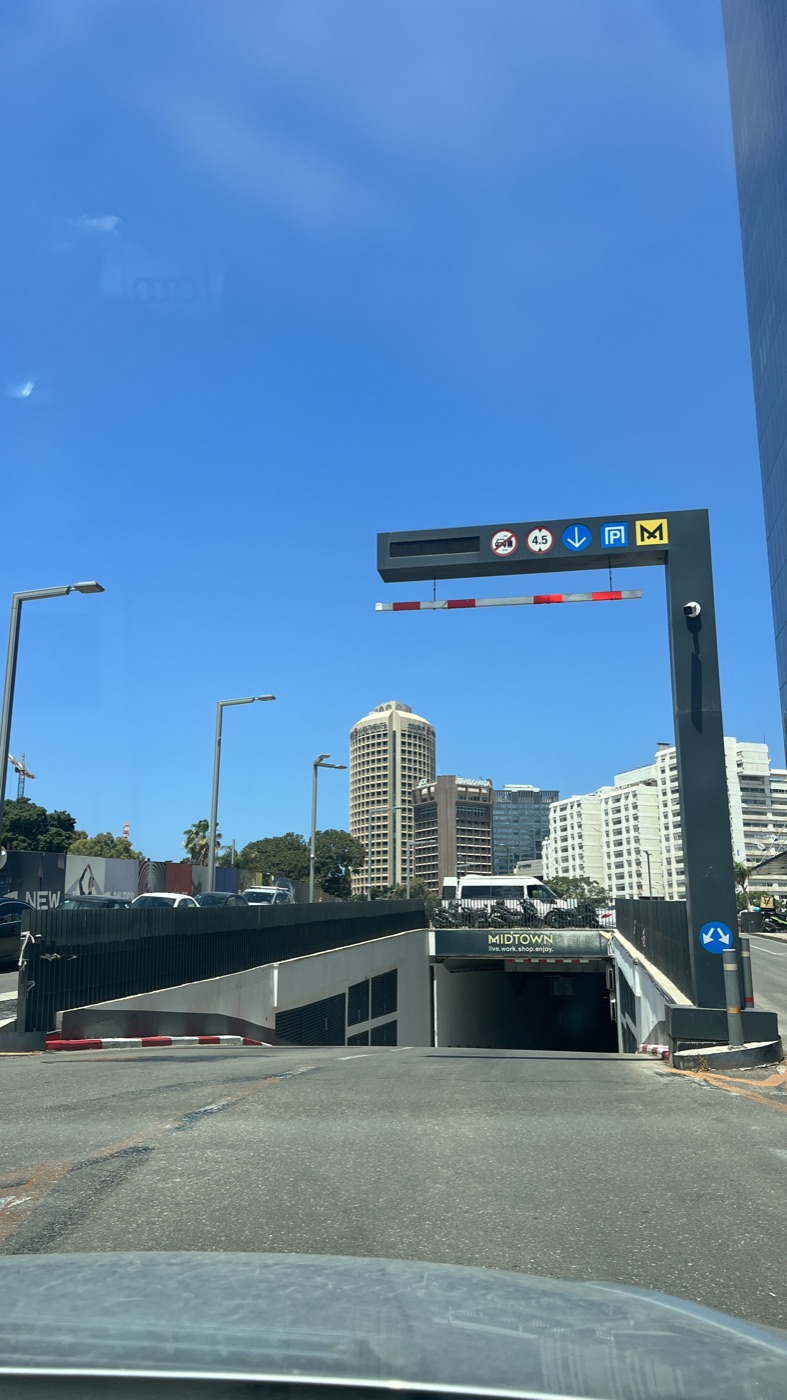
The ramp as you approach Step 3 of 8Important
Roll up to the barrier. No ticket.
The barrier reads your plate and opens by itself. Don't take a ticket. There are two entrances and either one works.
Gate didn't open? Message host (opens in a new tab)Next: Keep going straight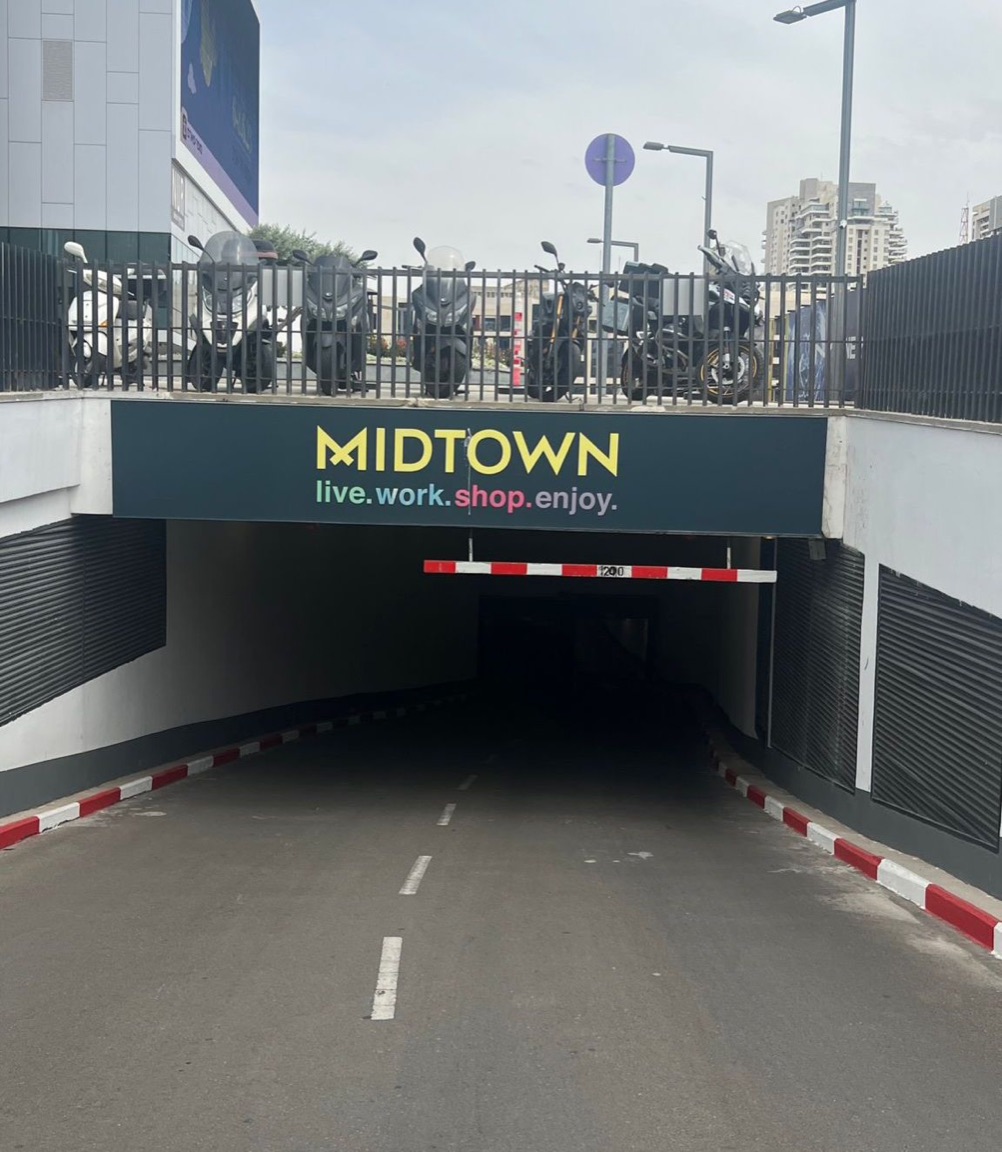
Entrance barrier 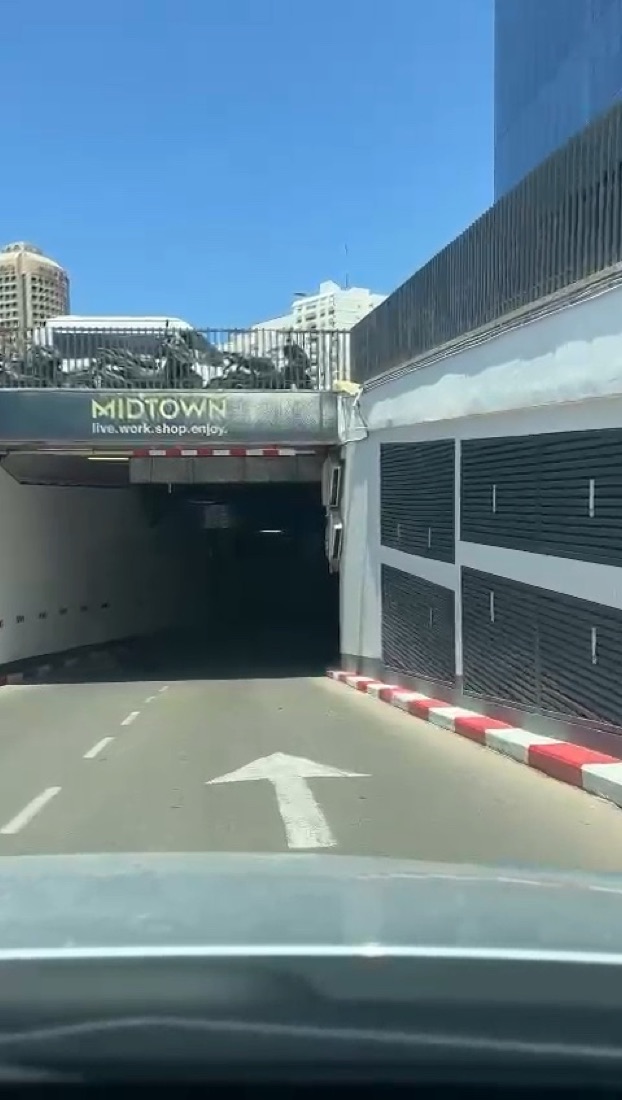
Down the ramp, following the arrow Step 4 of 8
Keep going straight
Follow the arrows on the road, down and straight ahead. You'll pass a level with blue markings (P1). Keep going.
Next: Yellow floor? That's level −2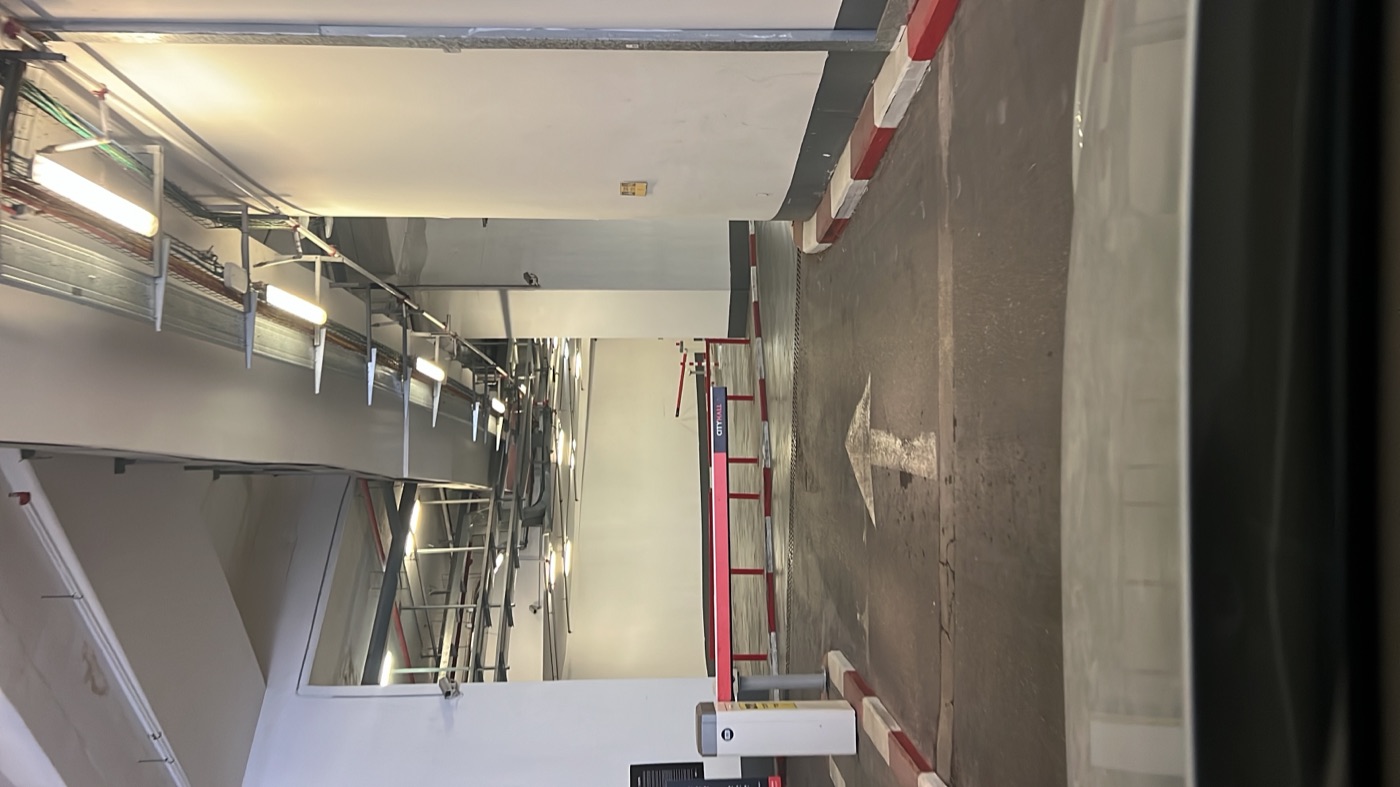
Inside: straight ahead 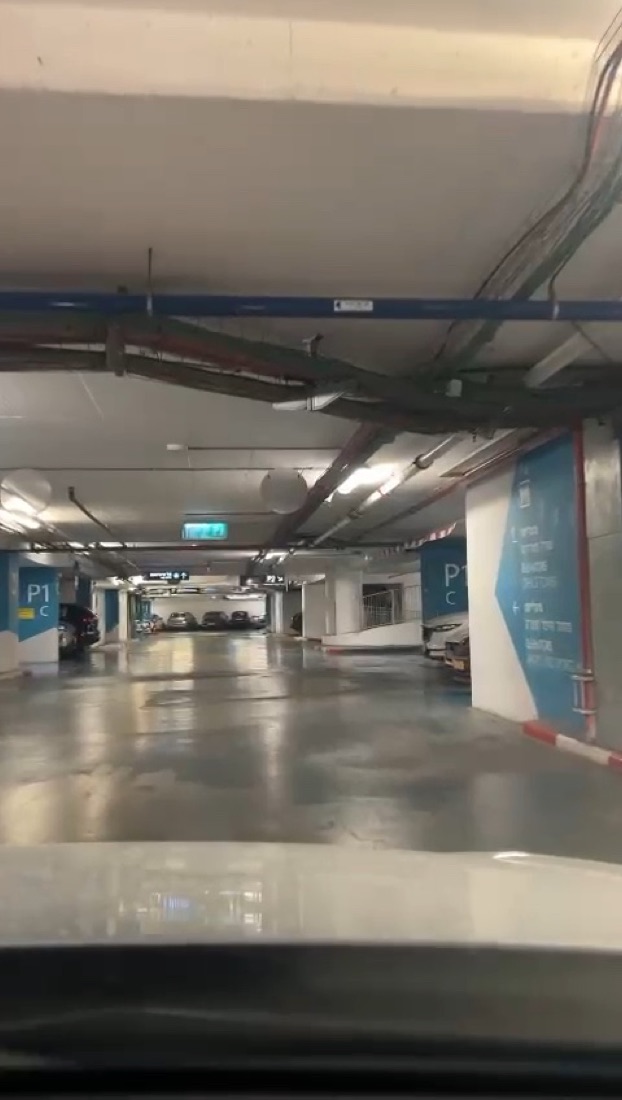
Blue level P1: keep going Step 5 of 8
Yellow floor? That's level −2
When the floor and columns turn yellow, you're on level −2. This is your level.
Next: Second barrier: residents' parking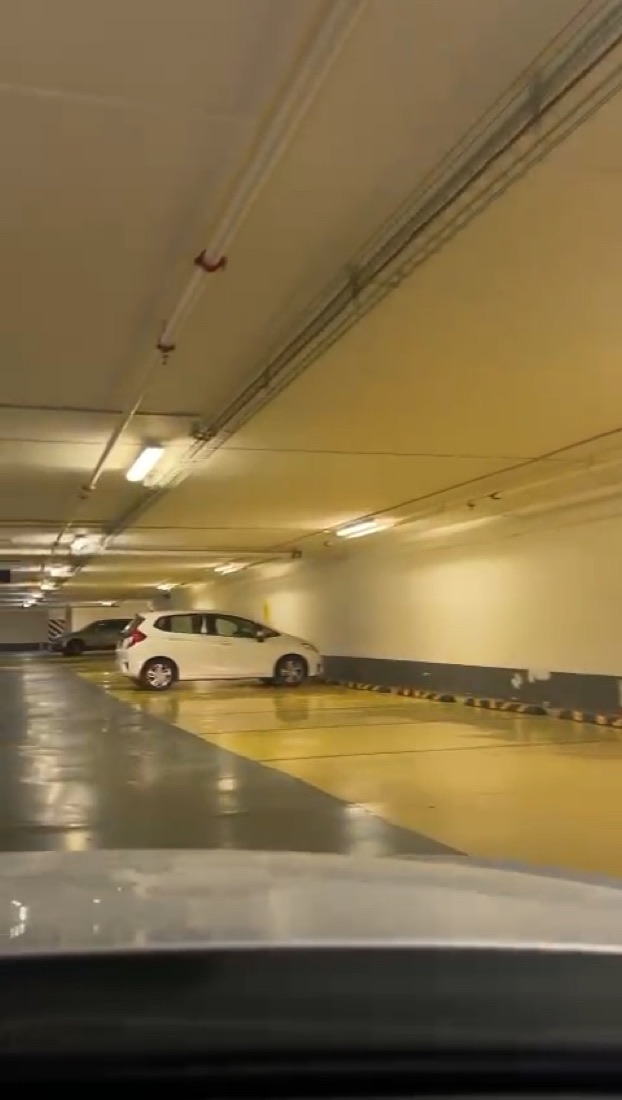
The floor turns yellow: level −2 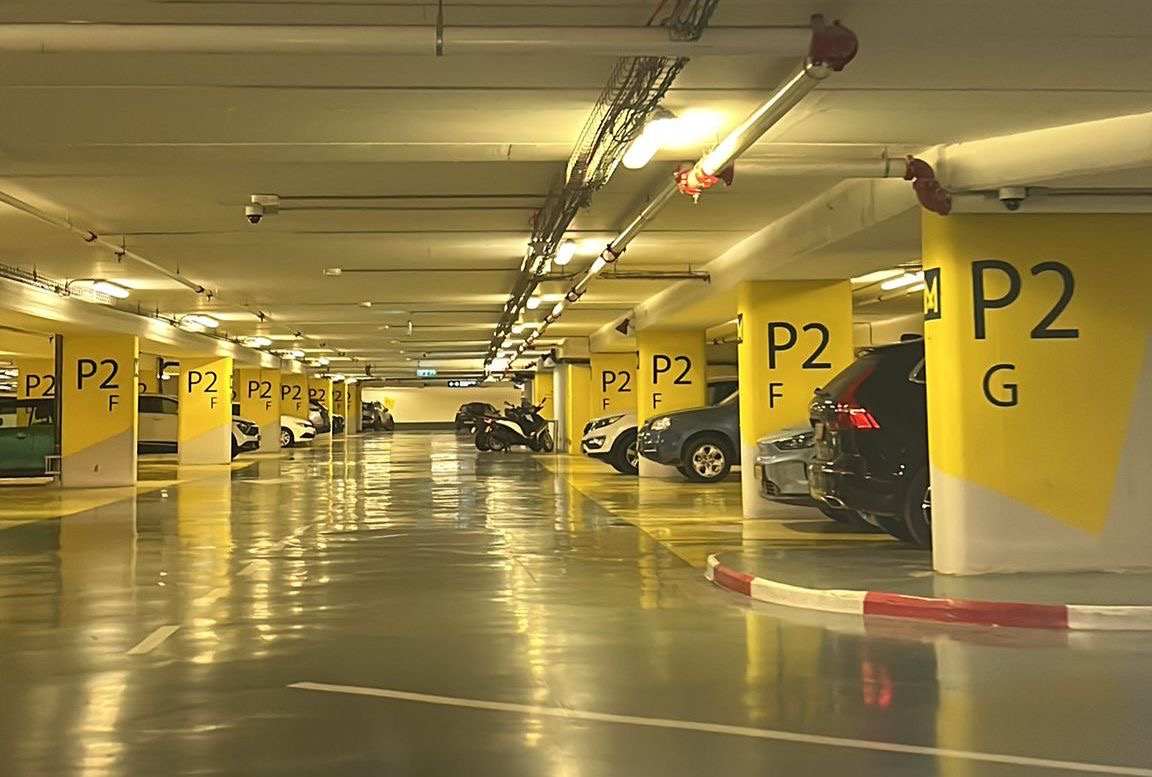
Level −2, yellow markings Step 6 of 8
Second barrier: residents' parking
In the southwest corner of level −2, a second barrier opens by itself too. If it stays shut, message Yarden.
Gate didn't open? Message host (opens in a new tab)Next: Park in space 26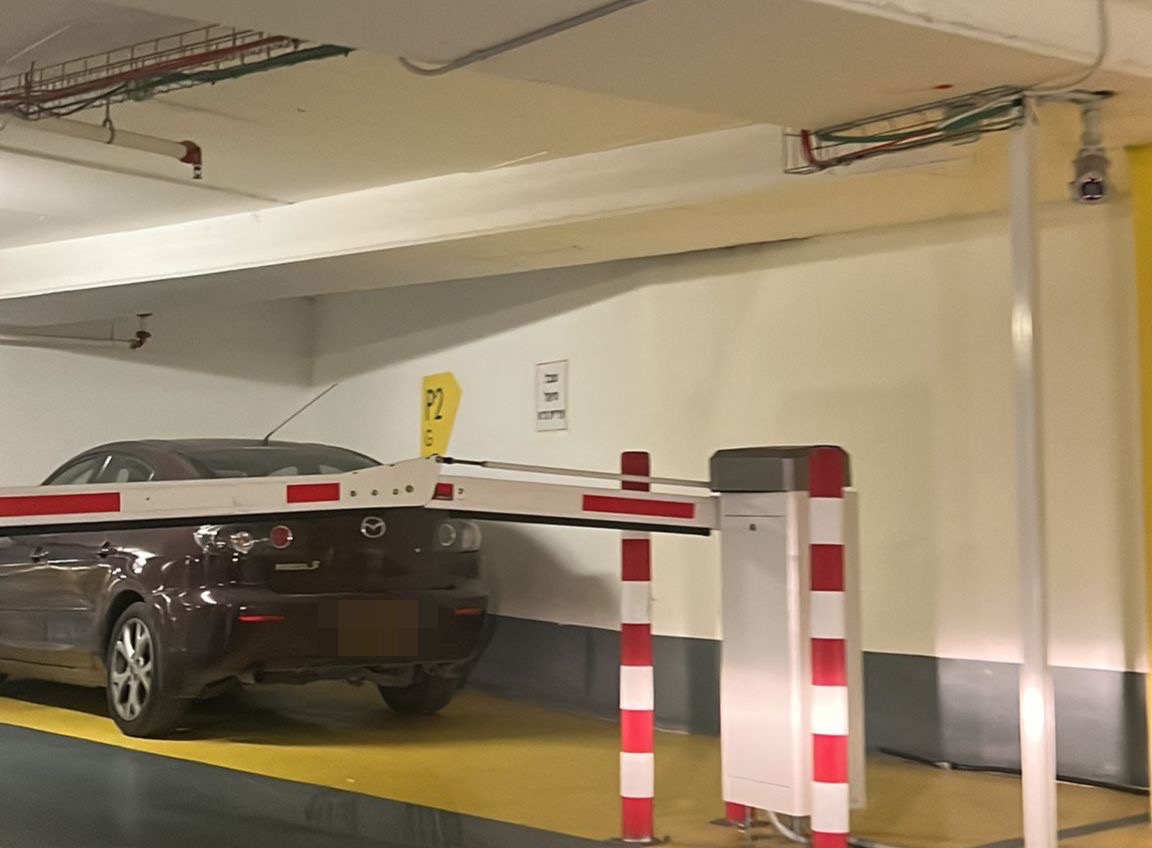
Residents' parking barrier Step 7 of 8Important
Park in space 26
Straight ahead is space 26 (outlined in red in the first photo). Parking elsewhere may be charged.
Next: Call security from the intercom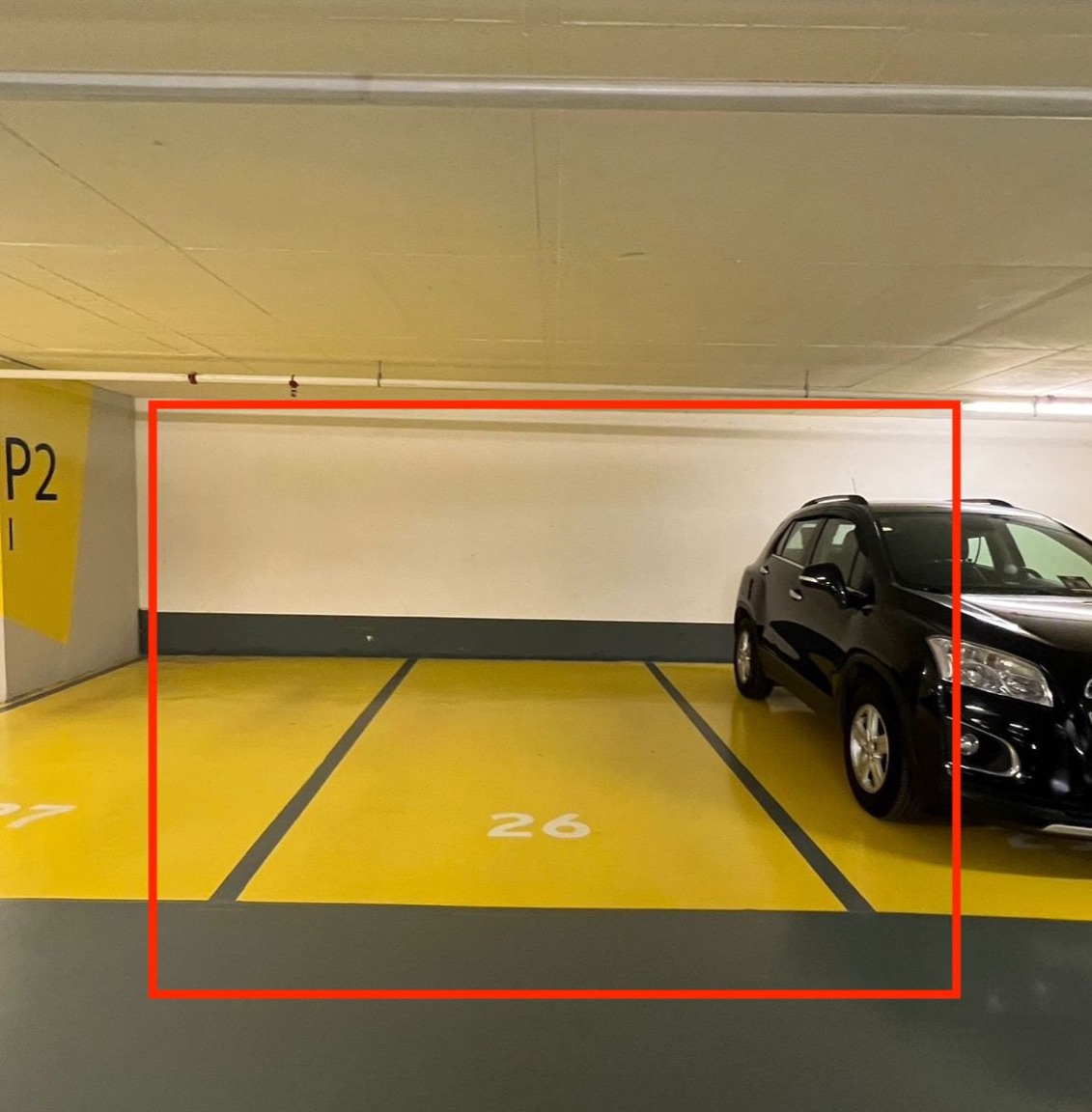
Parking space 26 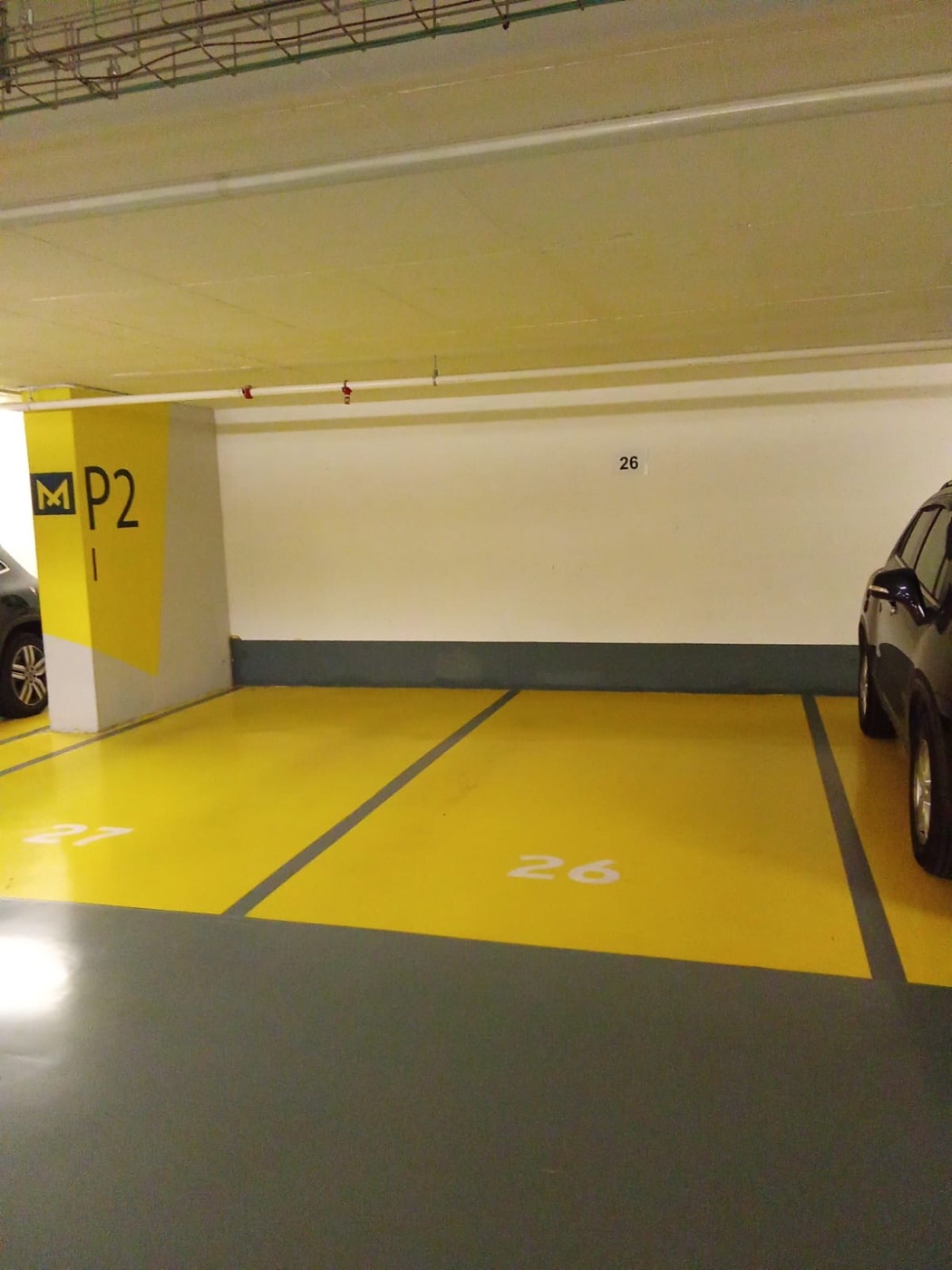
Space 26 from a few steps back Step 8 of 8
Call security from the intercom
At the elevators, press the intercom and say “Apartment 231, floor 31.” No need to stop at the lobby desk.
Intercom not answering? Message host (opens in a new tab)
Getting into the apartment
- Next: Up to floor 31
Enter through Entrance D
Parked in the garage? Use the garage elevator instead.
- Next: Find apartment 231
Up to floor 31
Take the elevator to floor 31.
Important
The keypad is on the left
The electronic keypad is mounted to the left of the doorway.
Next: Enter your code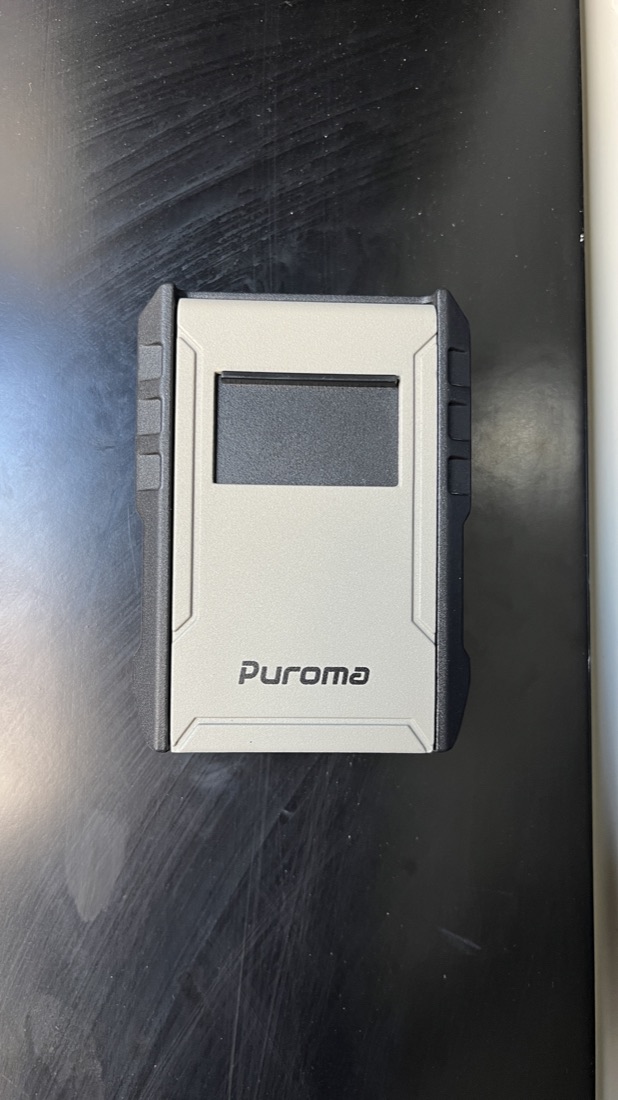
The keypad unit Important
Enter your code
Yarden sends it to you privately. It's never shown on this page.
Ask for the access code (opens in a new tab)
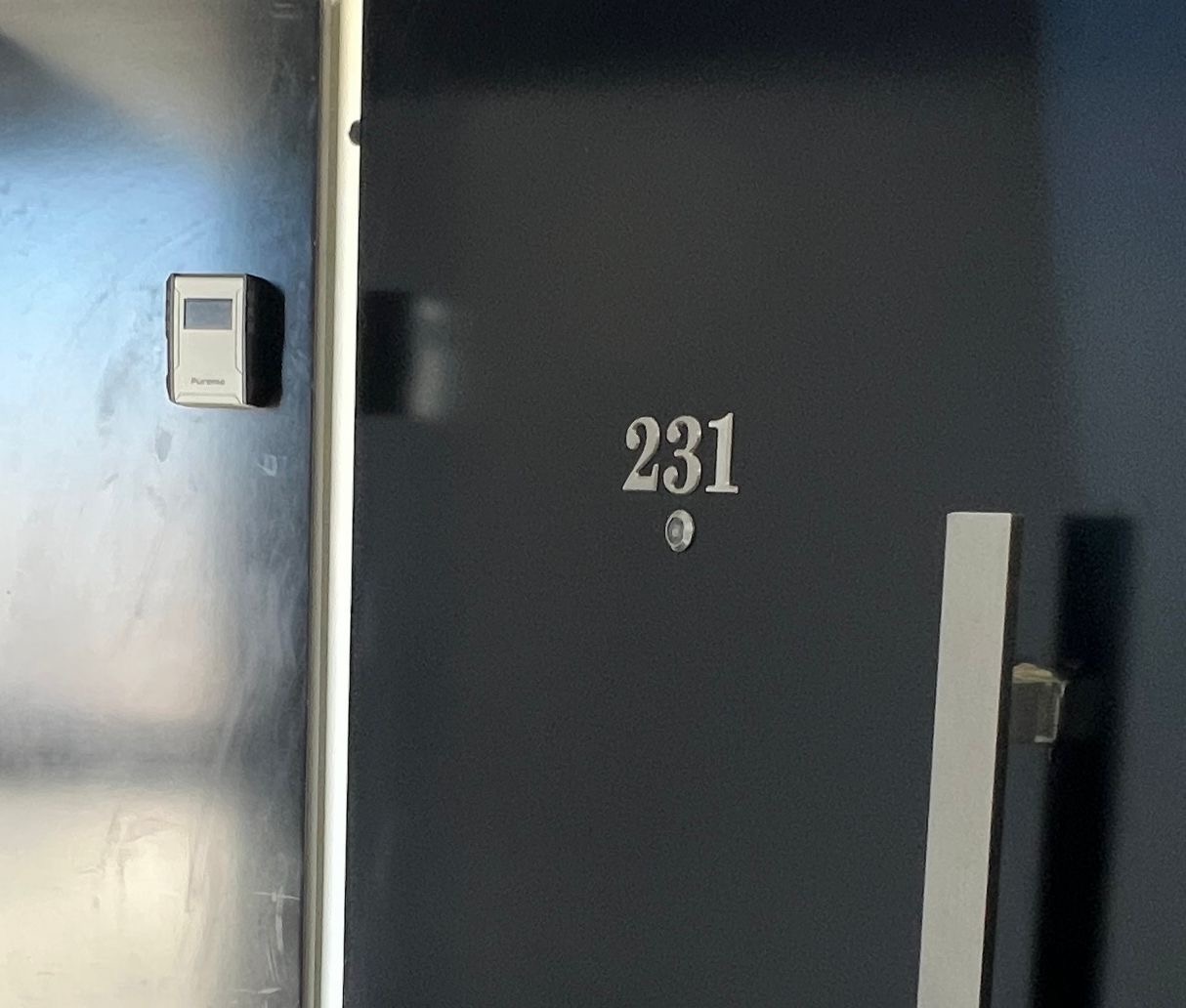
For security, the code is never published here.
Wi-Fi
Network
Niv
Password
Sent privately by your host
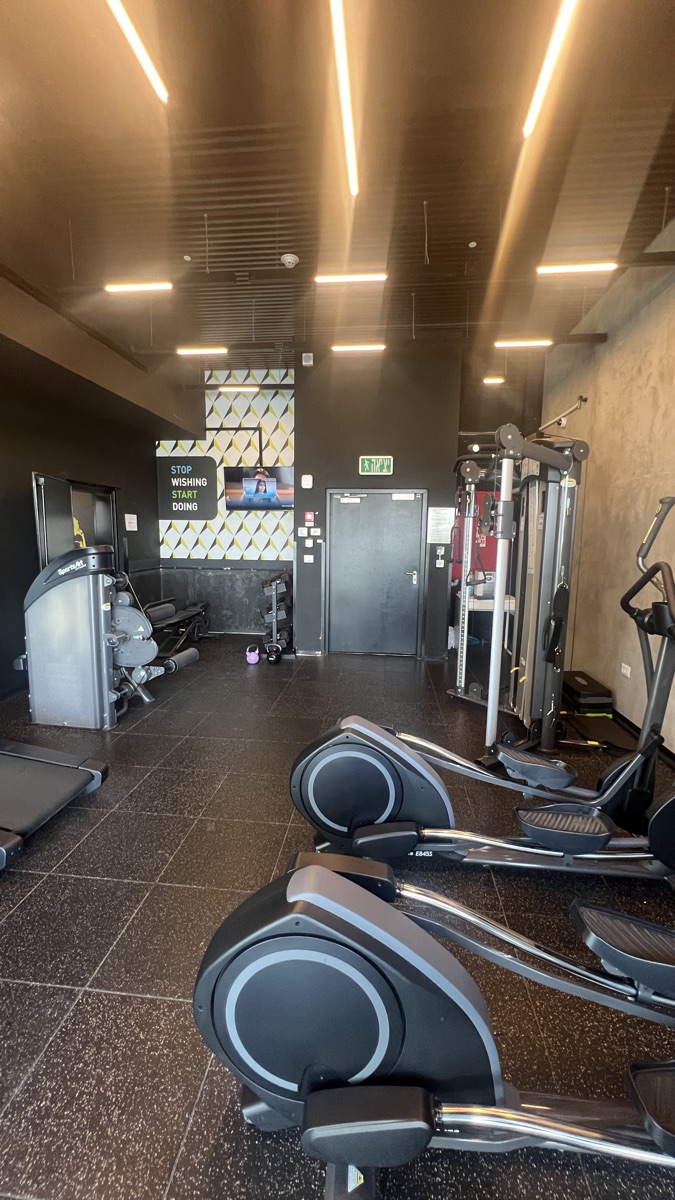
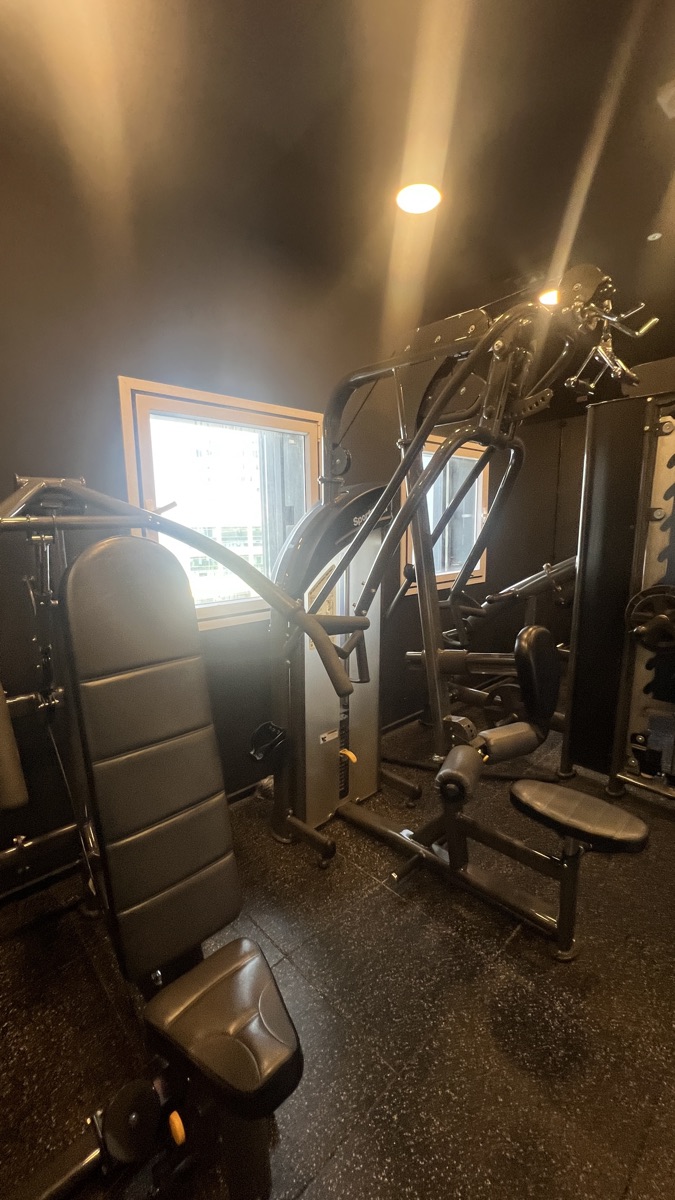
Gym & pool
- Gym
- Floor 3 · Open 24/7
- Swimming pool
- Floor 3 · During the swimming season
- Electronic access card
- The card hangs on a wall hook inside the apartment. It gives access to the building entrance gate and the relevant facilities. Please return it to the wall hook when you leave.
Check-out
Enjoy your stay.
Everything you need is above. We're one message away.
Need anything?

Your host
Yarden
+972 52-293-0231
Yarden is a message or a call away.
Message about
WhatsApp opens with a message ready to go. It's only sent when you tap Send in WhatsApp.